



5 min read
Building software that runs your operations
How modern business platforms help streamline day-to-day operations, reduce manual work, and create stronger foundations for growth.
Read article

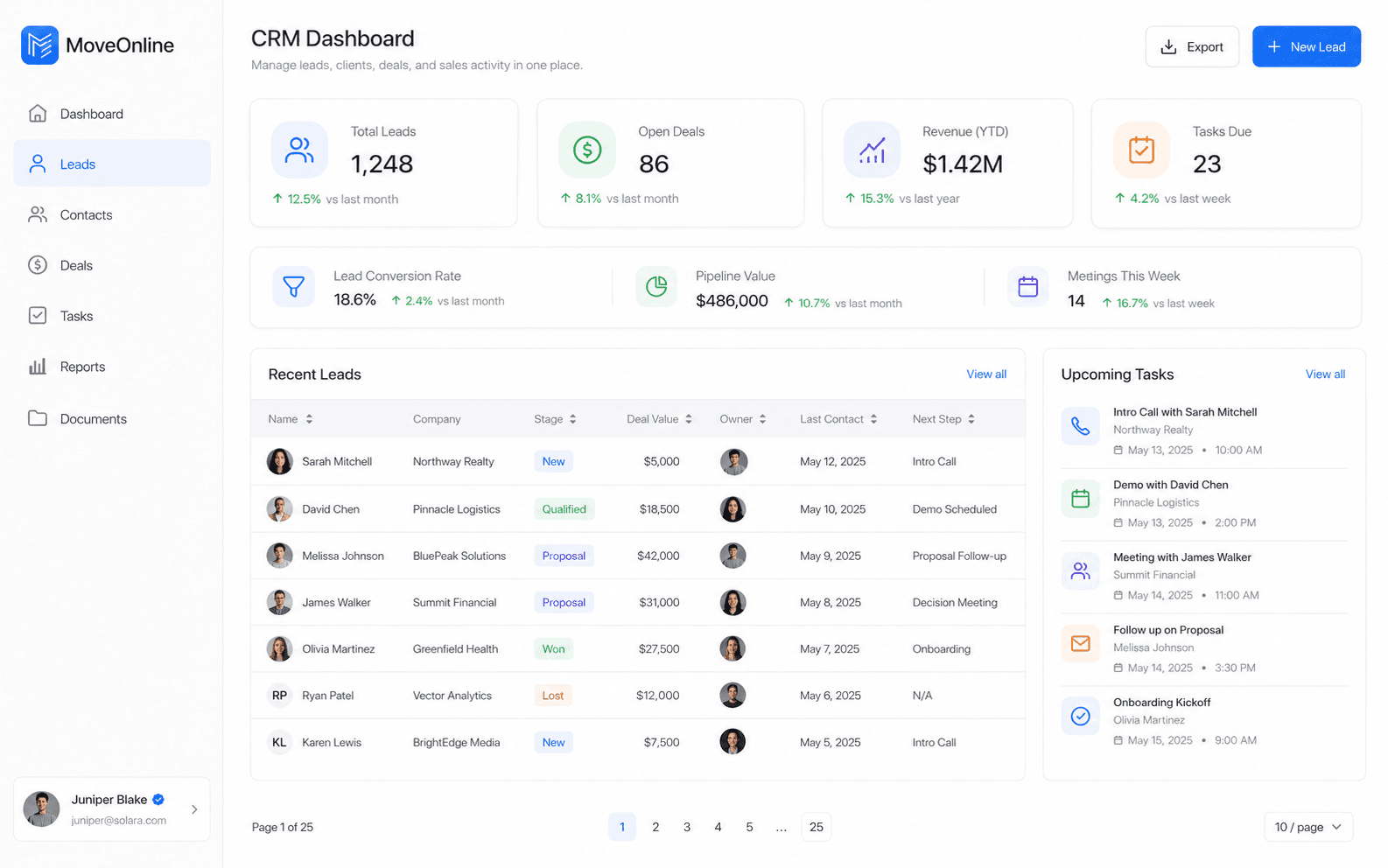

A tool that works for a founder and two staff often collapses when managers, cashiers, drivers, or property agents join. Multi-role systems anticipate that growth: different permissions, queues, and screens for different jobs.
Whether the domain is retail, property management, pharmacy, restaurants, or taxi and driver operations, the structure often looks similar: frontline users, supervisors, and administrators sharing one operational backbone.
MoveOnline Digital designs these layers as connected products—SaaS and web platforms paired with Flutter mobile apps when work happens away from a desk.
Adding a new role for every request creates confusion. Prefer a small set of roles with clear capabilities, then extend carefully.
Key takeaway
Model owners, managers, staff, and partners in one platform with clear permissions and handoffs, so the system still holds up as the business grows.
Multi-role design is how operational software stays usable as a business scales. Build for the people who run the work—not only for the people who configure it.
Related articles