



5 min read
Building software that runs your operations
How modern business platforms help streamline day-to-day operations, reduce manual work, and create stronger foundations for growth.
Read article


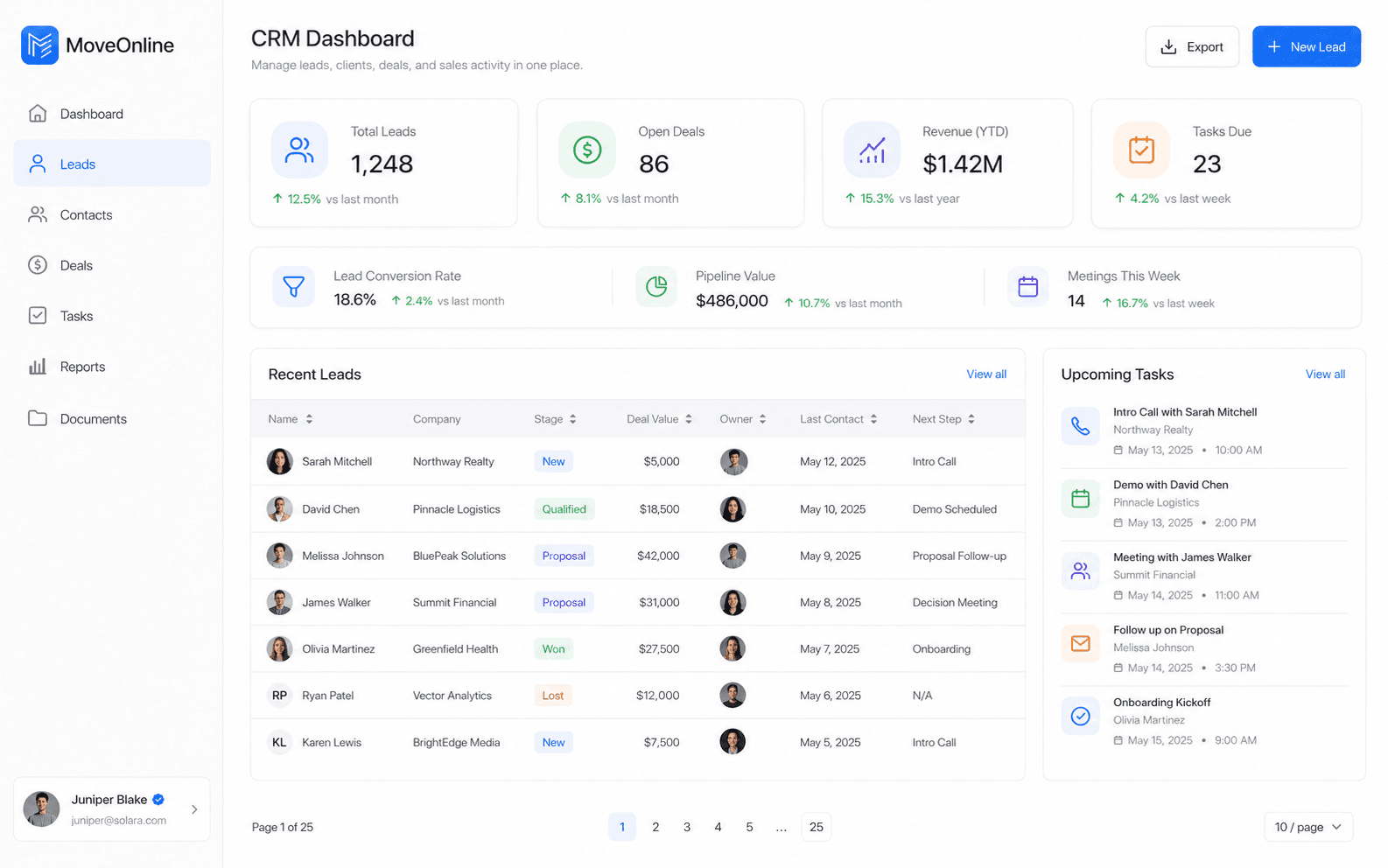
Many operations need both a web console and a mobile app. Dispatchers, managers, and accountants work on larger screens; drivers, field staff, and floor teams work on phones. The products should feel like one system—not two disconnected projects.
Flutter is a strong fit when you need reliable mobile clients that talk to the same APIs as your web platform—especially for driver apps, inventory checks, or on-site property and retail workflows.
Before build starts, agree on ownership of the API, environments, and release cadence for both surfaces.
Key takeaway
Treat your web and mobile platforms as one product — with shared data, consistent user experiences, and a single team. This leads to faster operations, fewer errors, and a better experience for everyone.
Connected web and Flutter mobile delivery is how MoveOnline Digital helps teams run operations wherever work happens—desk, counter, or on the road.
Related articles