



5 min read
Building software that runs your operations
How modern business platforms help streamline day-to-day operations, reduce manual work, and create stronger foundations for growth.
Read article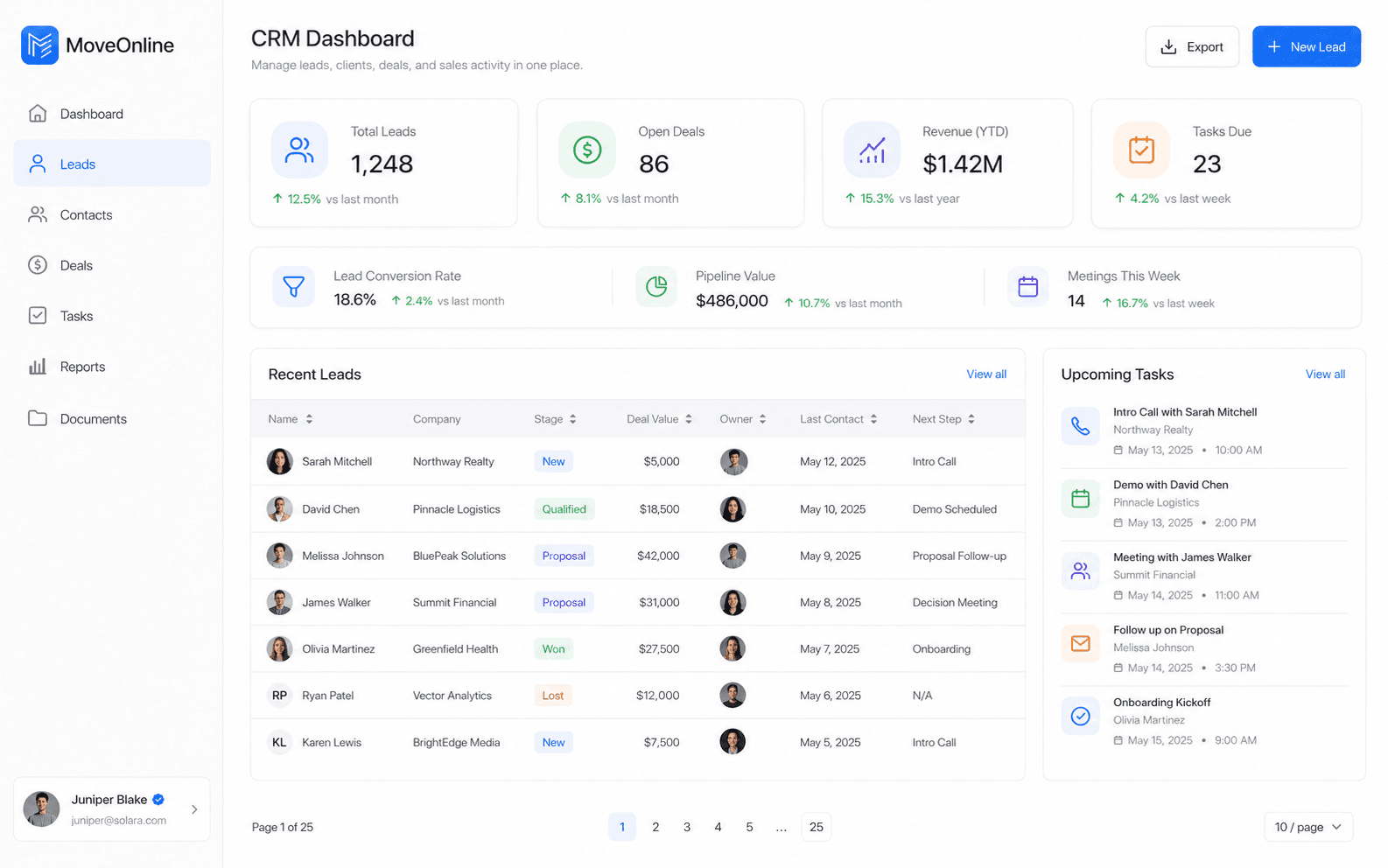


An admin dashboard is not decoration. It should help managers and operators see what needs attention now: open jobs, low stock, pending approvals, failed payments, or exceptions in the field.
Property managers, retail supervisors, pharmacy leads, and dispatch teams do not need the same homepage. Role-aware dashboards keep noise down and decisions clear.
MoveOnline Digital builds admin dashboards as part of broader SaaS, web, and mobile systems—so numbers stay tied to the same data staff already maintain in the product.
A beautiful chart with stale or inconsistent data erodes trust quickly. Dashboard quality depends on solid operational capture upstream.
Key takeaway
Design role-specific dashboards that answer the questions owners and managers actually ask each morning — not generic charts nobody acts on.
Useful dashboards turn operational software into daily decision support. Design for clarity, role relevance, and trusted data—not for visual complexity.
Related articles